Settings
Each server has its own Settings tab, grouped by how far a setting reaches: what follows you across devices, what only holds on this device, who else may see or steer your playback, the server itself, and the app. Every page opens with a line saying what it covers and where the setting applies.
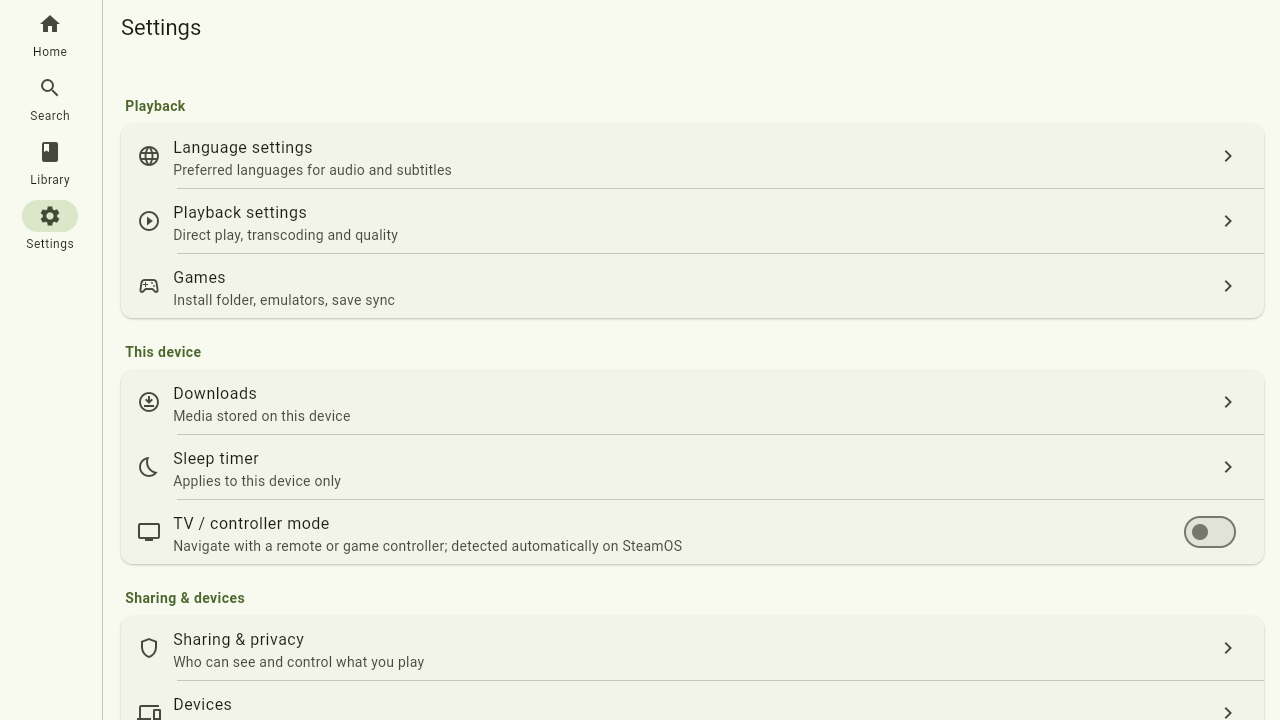
Playback
These live on the server, per user — set them once and every device you sign in on uses them.
Language & subtitles
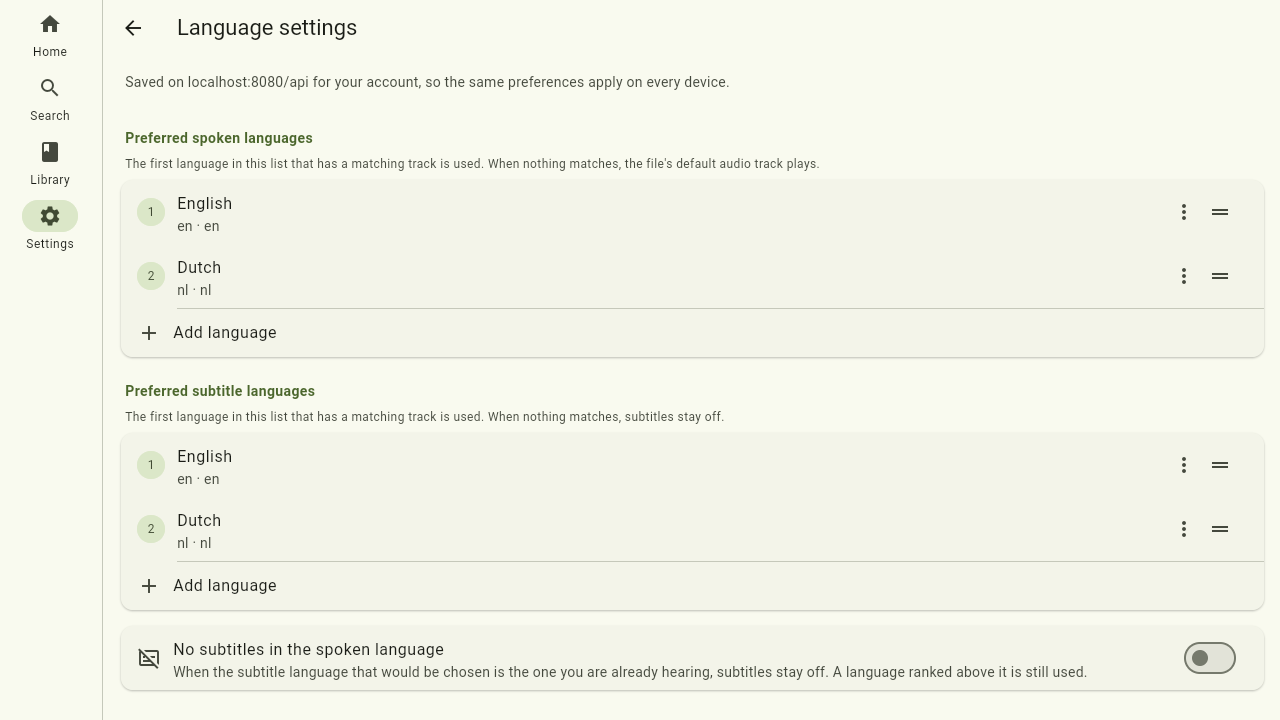
Choose your preferred spoken language and subtitle language. When a movie or episode offers multiple audio tracks or subtitles, the player picks your preferred ones automatically; you can still override per video from the player controls. No subtitles in the spoken language suppresses subtitles you would not need anyway.
Playback
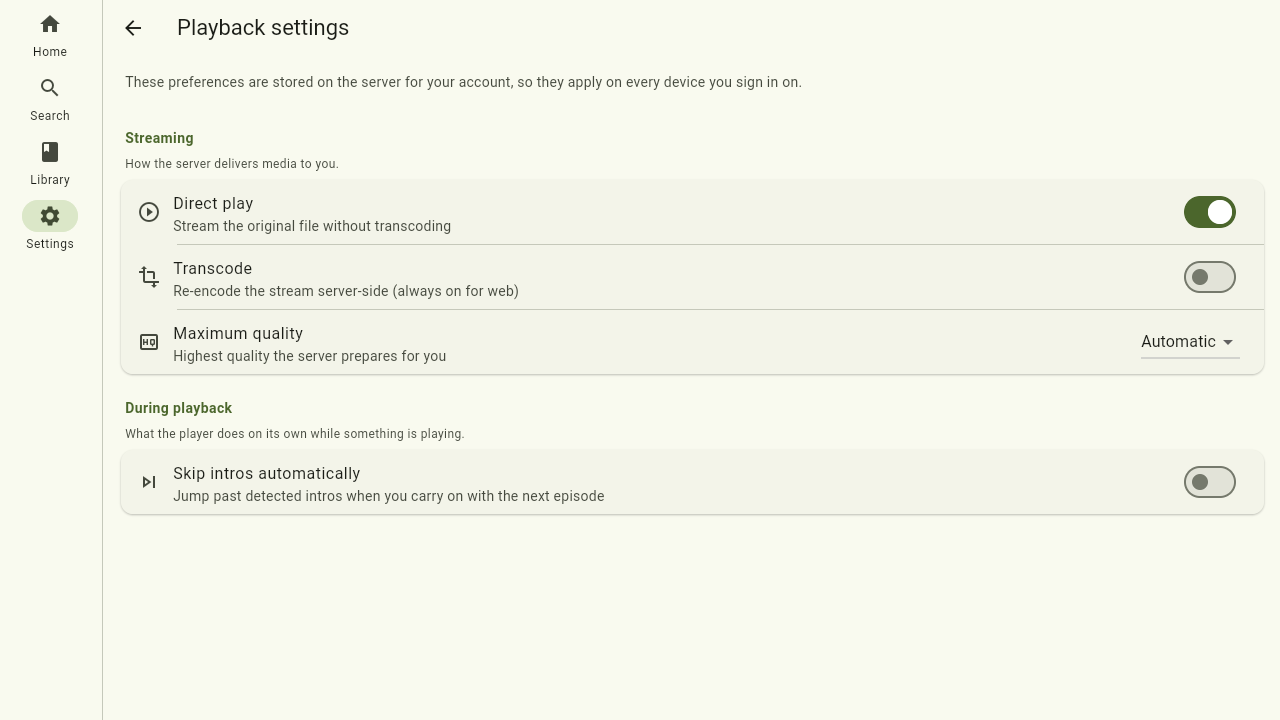
Tune how media is streamed to you:
- Direct play — play files as-is when your device supports the format, for the best quality and lowest server load.
- Transcoding — let the server convert media on the fly when needed.
- Maximum quality — cap the resolution (for example on a metered or slow connection).
- Skip intros automatically — jump past a recognised intro without asking.
This device
Unlike the settings above, these are stored on this device only and do not travel with your account.
Downloads
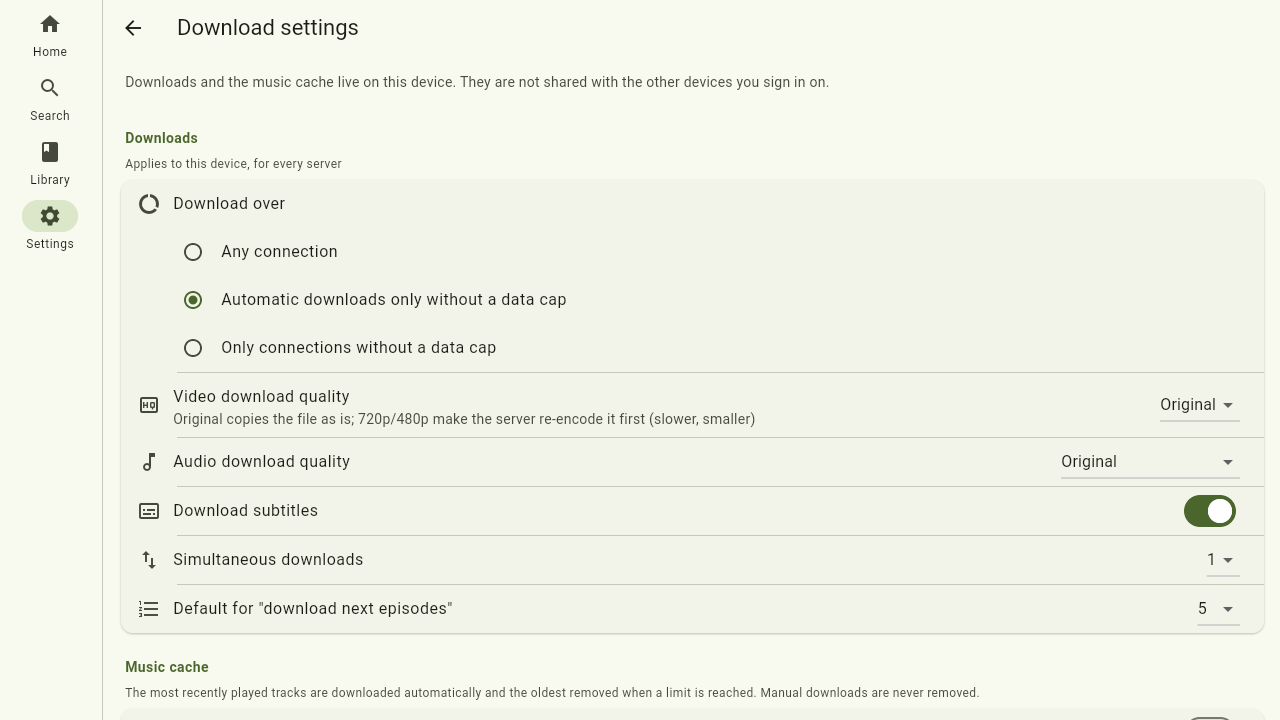
Keep media on the device to play it offline. The settings decide when downloading happens (any connection, or unmetered only), at what quality for video and audio, whether subtitles come along, and how many downloads run at once. The music cache separately keeps recently played tracks around on its own storage budget, without touching anything you downloaded by hand.
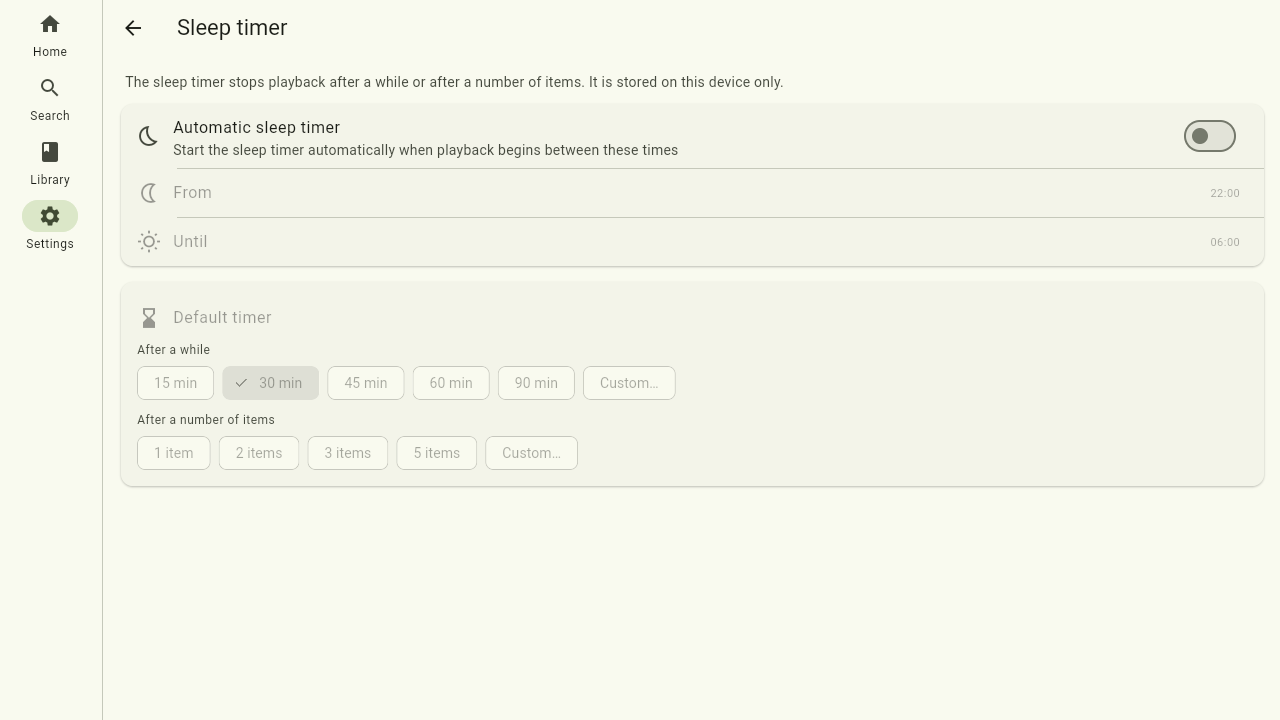
Sleep timer
Stop playback after a while or after a number of items. With the automatic sleep timer on, the timer arms itself between the hours you set — handy for listening yourself to sleep.
Sharing & devices
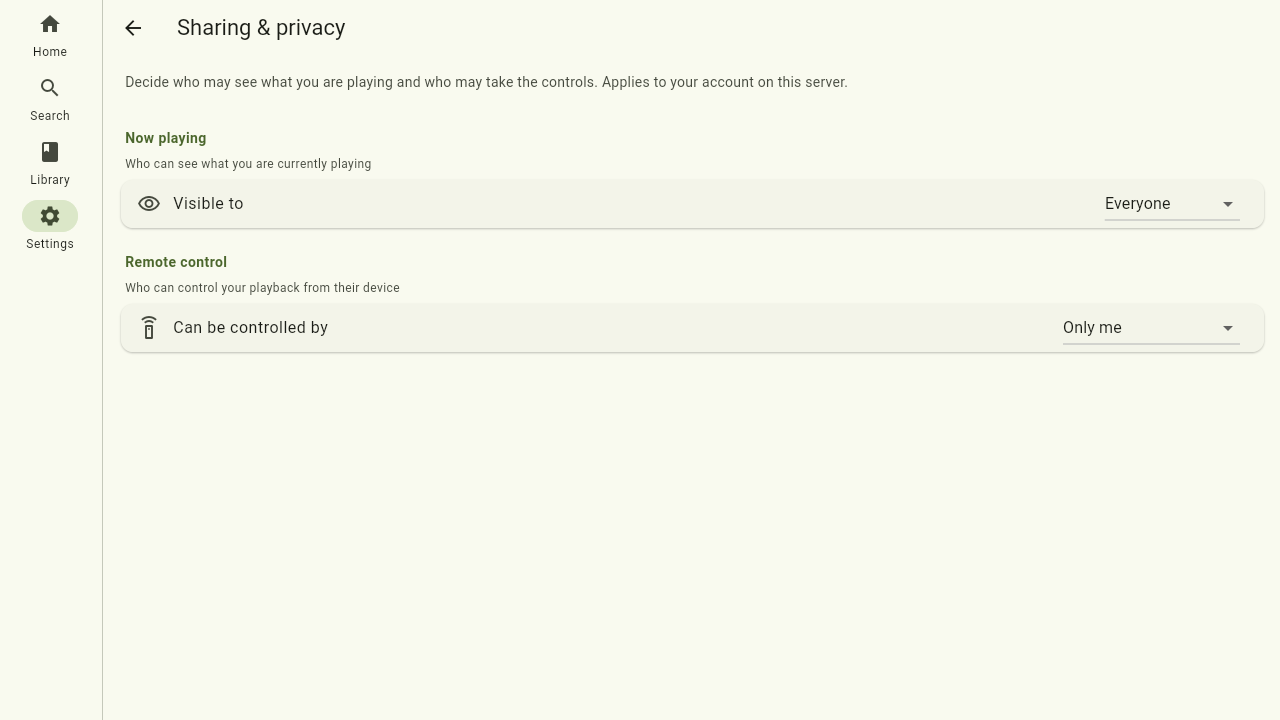
Sharing & privacy
Control who can see and steer your playback — the other side of Party mode:
- Now playing — who can see what you're currently playing: everyone, only you, or specific people.
- Remote control — who may take the controls from their own device: everyone, only you, specific people, or the same audience as Now playing.
Set to only you, your sessions stay private and no one can see or drive them. You can still make an exception for a single session from the player (Share this session).
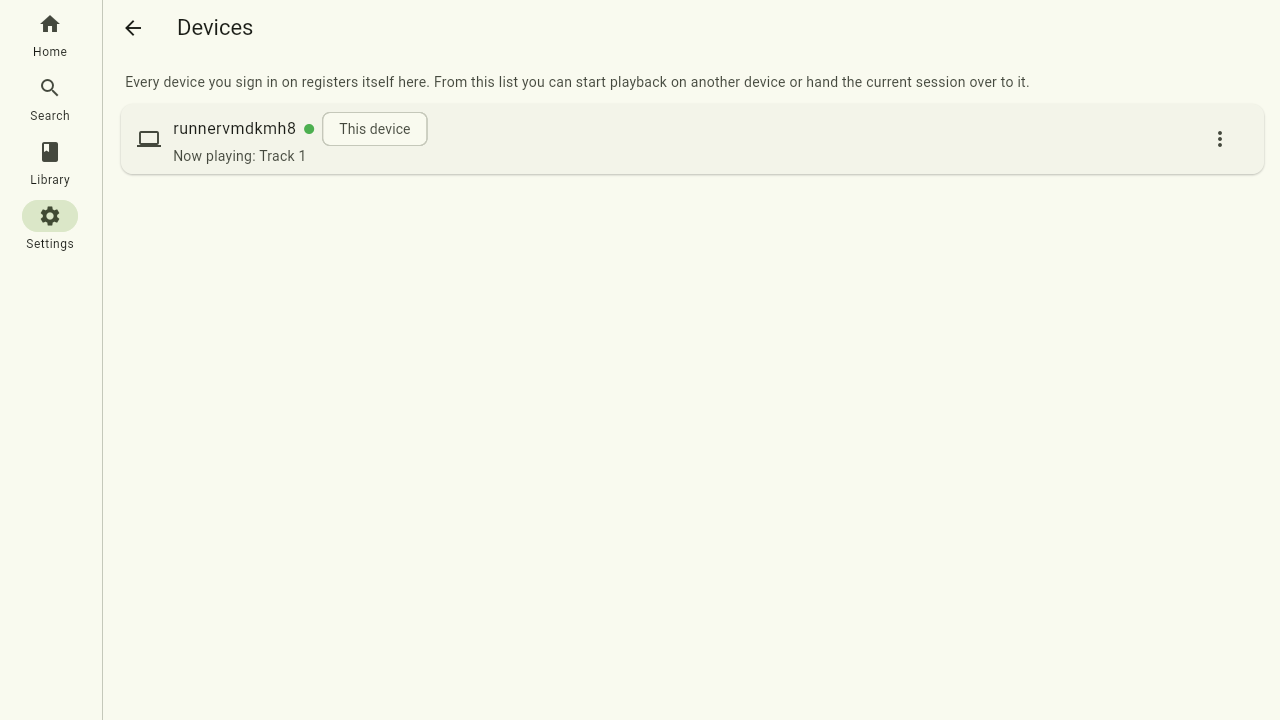
Devices
Every device you sign in on registers itself here, with whether it is online right now and what it is playing. From this page you can start playback on another device or hand the current session over to it, and rename or remove devices you no longer use.
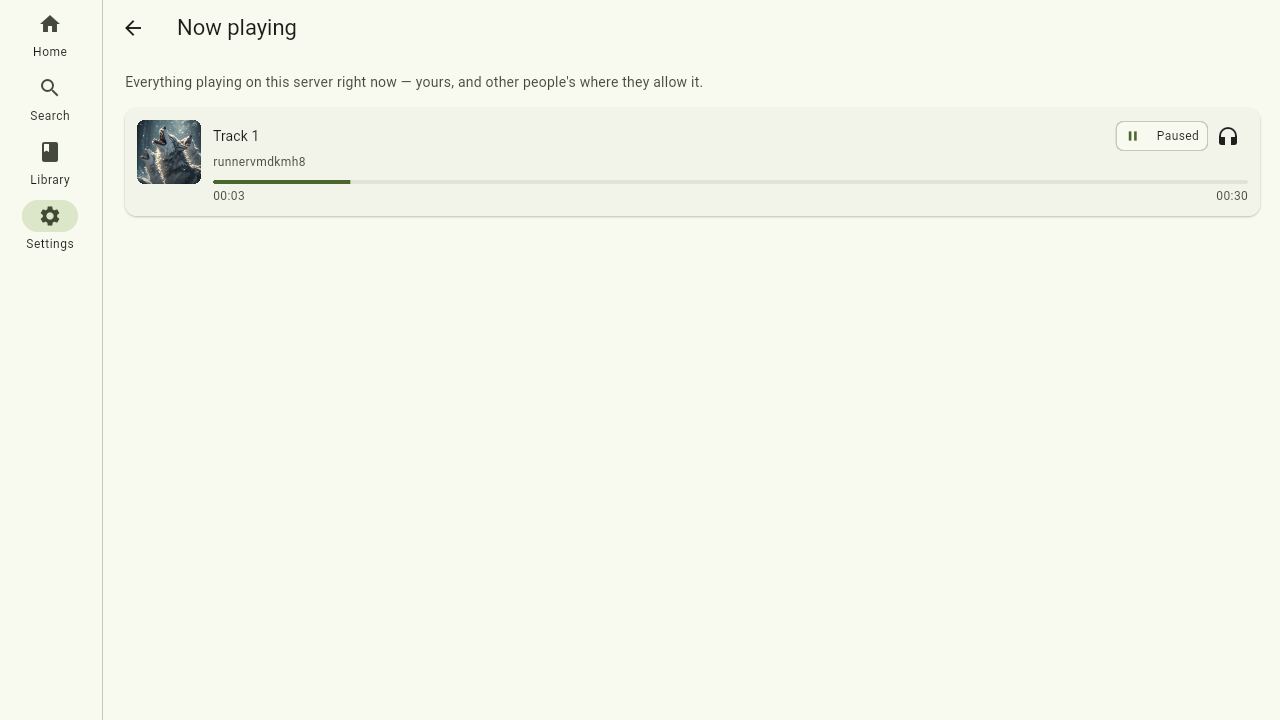
Now playing
A live list of everything playing on this server right now — yours and, where people allow it, other users' sessions. It is the starting point for listening along with someone.
Server
Status & maintenance
The server page is the whole picture of your Ister server in one place: which server this is, the nodes it runs on — with their version, address and whether they are still reporting in — what those nodes are working on right now, the work still queued up, and any recent failures. Useful for a quick "is everything up?" check, and for watching a scan or a transcode make progress.
Working on now groups the work by what it belongs to: one heading per show, movie, album, book or podcast (with the library and disk it lives on), and under it a row per file and step — so you can see at a glance that s06e22.mkv of Seinfeld is having its subtitles extracted on one node while the next episode is being analyzed on another. Work that belongs to nothing in particular (a library scan, a search-index rebuild) gets a heading of its own kind.
Administrators also find the maintenance actions at the bottom of this page — see Administration.
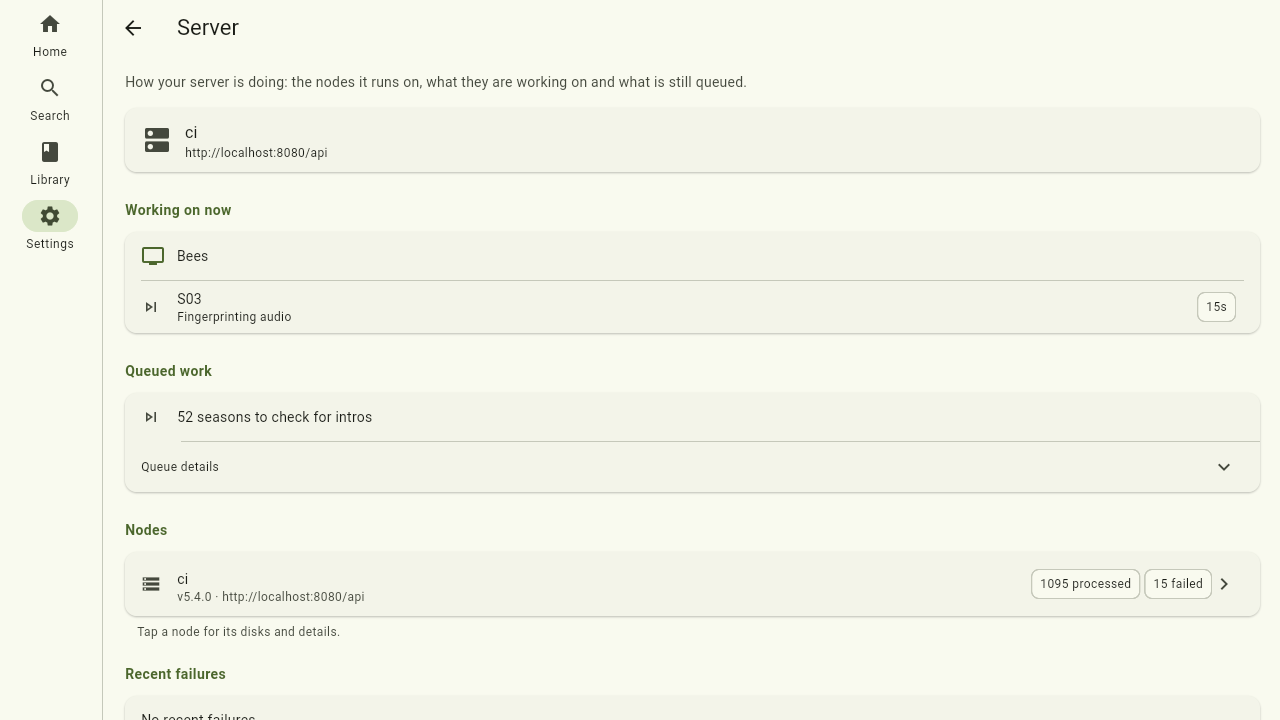
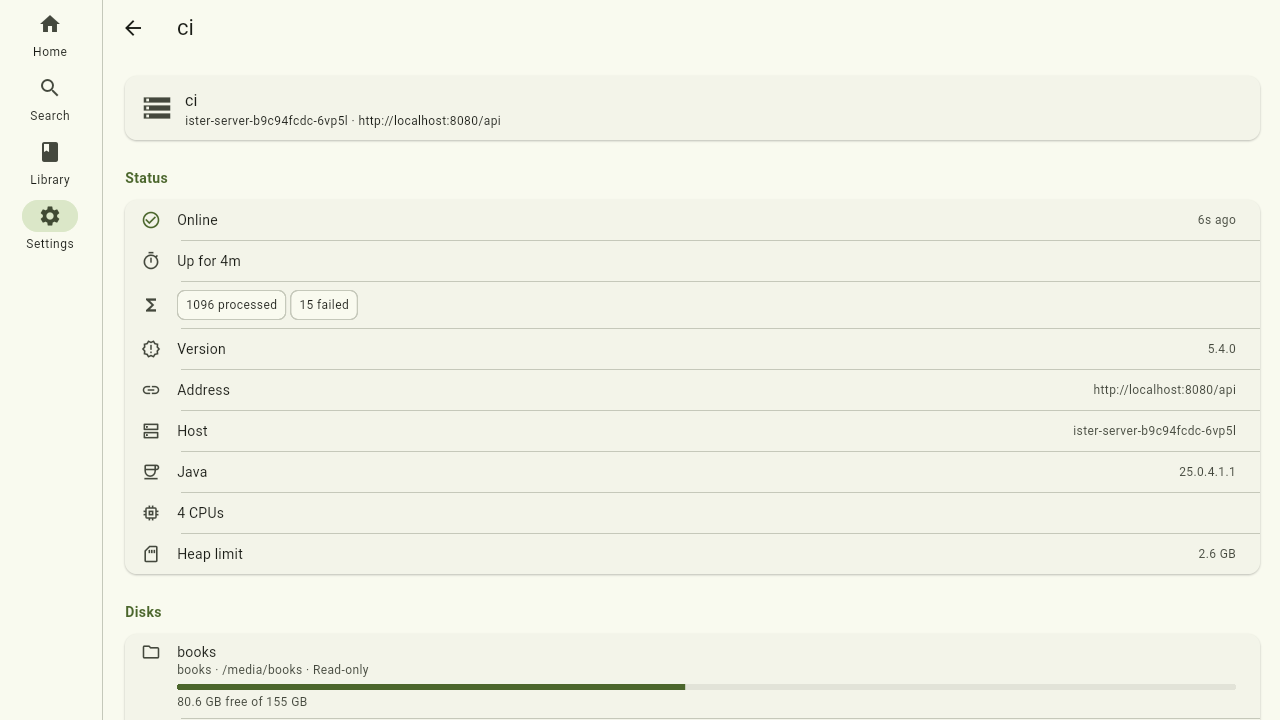
Tap a node to open its own page: whether it is online and for how long, the host it runs on, and its disks — every directory the node serves, with the library it belongs to, its path and how much space is left (a nearly full disk turns red; a path that is not mounted says so). Nodes that help other nodes with heavy jobs, or hand their own off, list that here too, followed by the work running on this node right now.
Users & access, Library visibility
Administrators get two extra entries here for managing who may sign in and which libraries they reach — see Administration.
App
Save error log writes the app's log to a file, which is what to attach when reporting a problem.
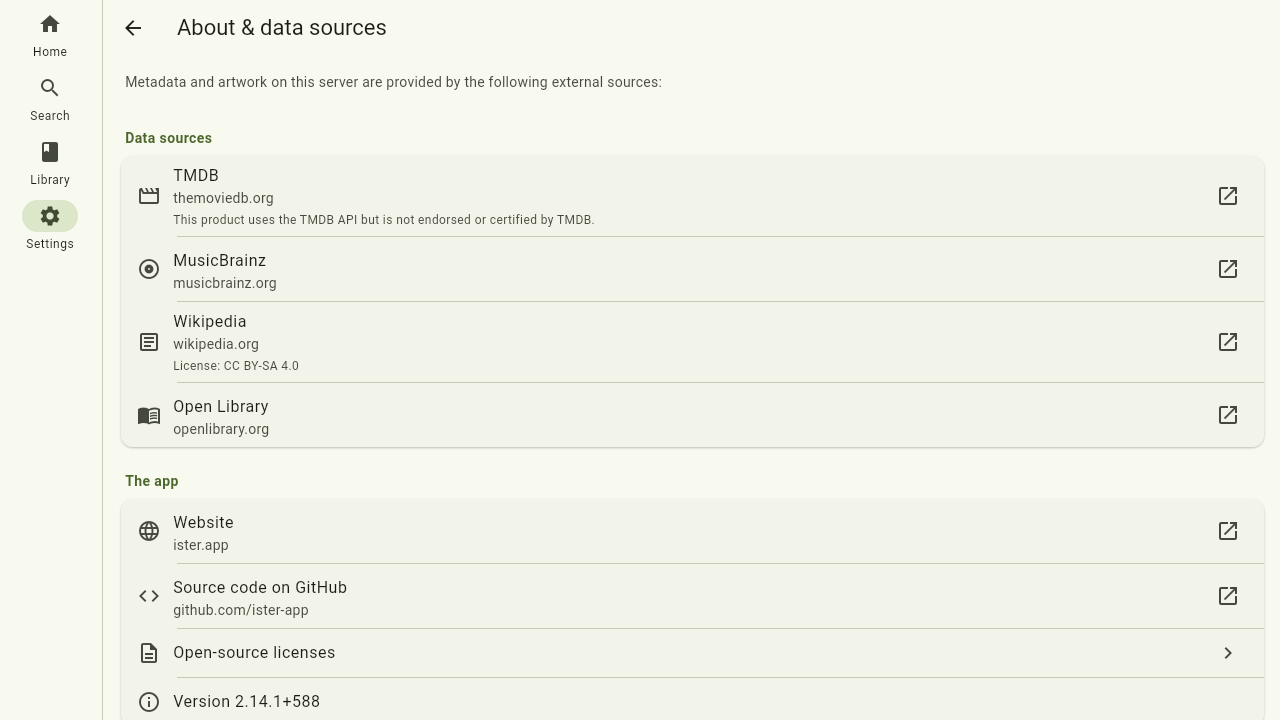
The About & data sources page credits the external sources — such as metadata and artwork providers — that the descriptions and covers on this server come from, along with their licenses where the server reports them. It also lists the app's open-source licenses. The app version, with its build commit, sits at the very bottom of the settings list.
Where to next
- How these settings affect the player: Playback
- Managing users and libraries (admins): Administration
- Platform-specific notes: Platforms
- Playing games from a game library: Games