Reading
Ister isn't just for watching and listening — it has a full built-in reader for ebooks and comics, on every platform including Linux and Android TV.
The epub reader
Open an ebook from its book page and it renders right in the app: clean typography, chapter by chapter. Swipe, use the arrow keys, or tap the left or right edge of the screen to turn pages; tap the middle to show or hide the reader's controls. Open the table of contents to jump to any chapter, and use the fullscreen button to give the book the whole screen — the reader remembers that choice for next time.
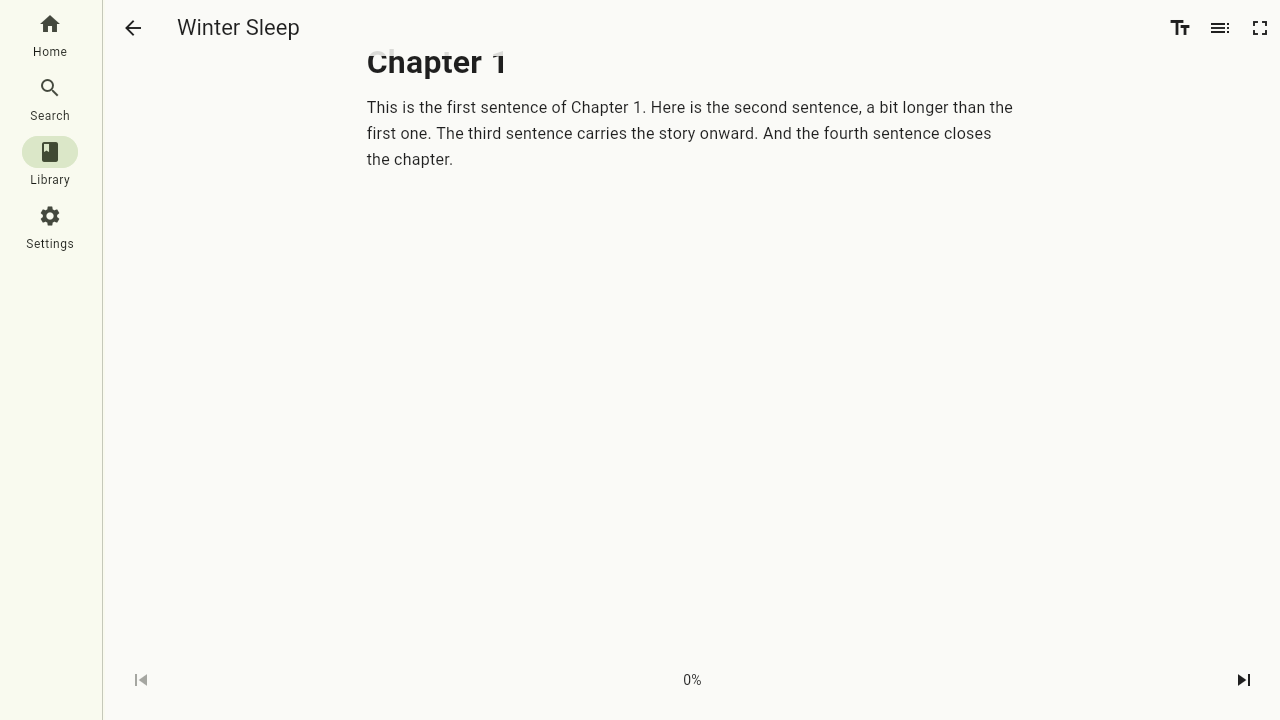
Open the reading settings to make the page comfortable: adjust the font size, line spacing and margins, pick a font (the book's own, serif or sans) and a theme — light, sepia or dark.
Your reading position
Your position syncs to the server automatically as you read. Even better: for books that also have an audiobook, the reading and listening positions are kept in sync — finish a chapter on your commute by ear, open the book at home and continue reading from that exact spot, and vice versa. The progress bar on a book — in the continue-watching row and on the book's own page — shows how far you are in the whole book, whether you got there by reading or by listening.
Read-aloud
Books that ship with narrated audio built into the ebook (EPUB 3 media overlays) can read themselves to you. Start read-aloud and the app plays the narration while highlighting the sentence being spoken, following along as the pages turn. Starting read-aloud pauses whatever else was playing.
The comic reader
Comics get their own reader tuned for pages: swipe through page spreads, pinch to zoom (or double-tap), and your progress is remembered just like with books.
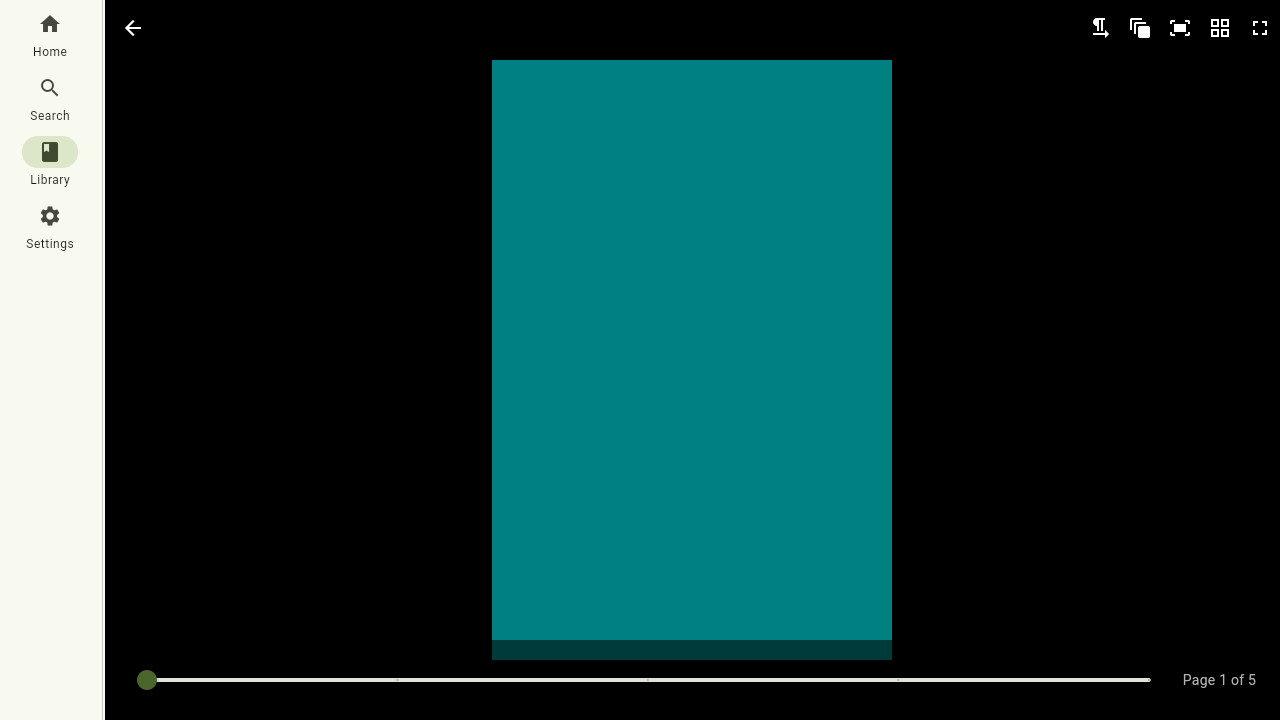
The reader adapts to how the comic is meant to be read. Set the reading direction to left-to-right or right-to-left (right-to-left is the default for manga), choose how many pages per view to show (single, double or automatic), and fit each page to the width or the whole page. Like the epub reader it has a fullscreen toggle that is remembered. A thumbnail overview and a page slider let you jump anywhere, and when you reach the end of a volume a Next volume button takes you straight into the following one.