Playback
Press play and Ister streams from your own server — video, music, podcasts and audiobooks all through the same player. This chapter covers watching, listening and picking up where you left off.
Watching video
Opening a movie or episode shows its artwork with a play button — nothing streams until you press it, also when you pick something up again from Continue watching. While the server prepares the stream the artwork stays on screen with a loading indicator; the video takes over as soon as it actually plays. When the queue moves on to the next episode, the next one starts on its own.
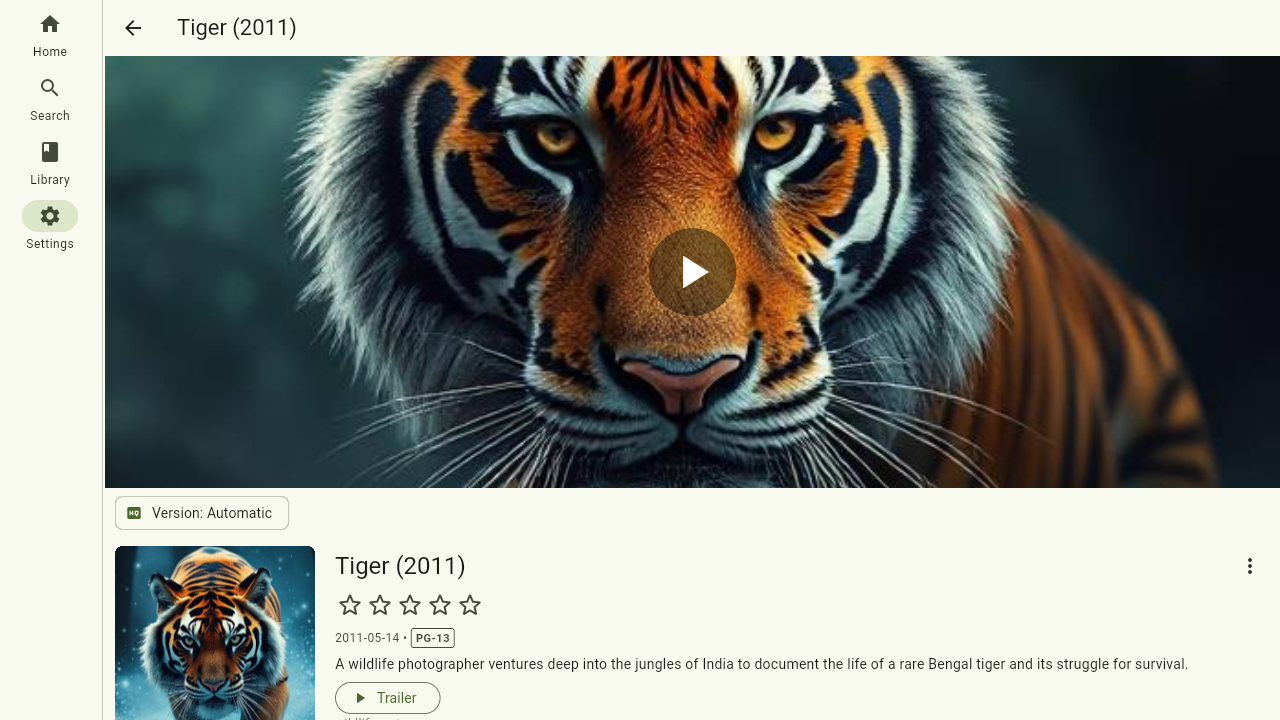
Movies and episodes stream over HLS, which adapts smoothly to your connection. The on-screen controls give you seek, pause and fullscreen.
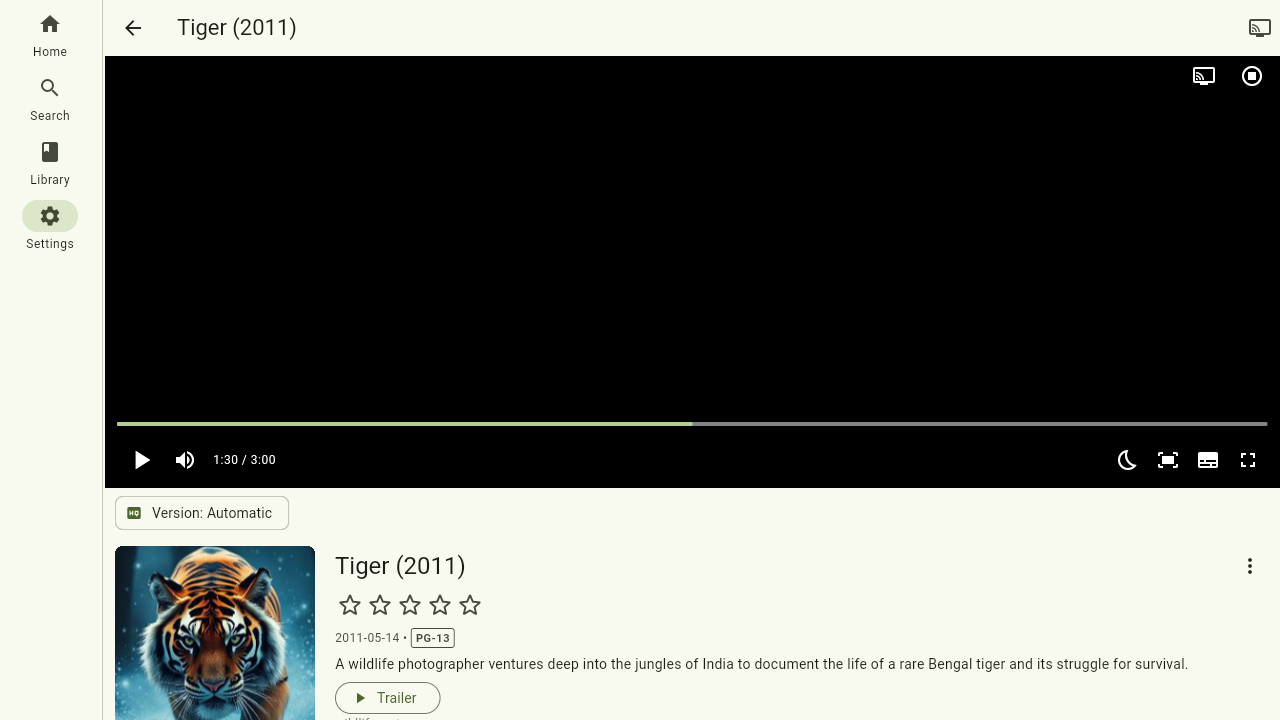
Subtitles and audio language
If a video has multiple audio tracks or subtitles, pick them from the player controls. The app remembers your preferred spoken and subtitle languages (see Settings) and selects them automatically when available.
Blu-ray and DVD rips usually carry their subtitles as pictures rather than text. These show up in the same menu and look exactly as they did on the disc — on every device, the browser included, and in downloads.
Watch progress
Your position is synced to the server as you watch. Stop on your phone, continue on the TV — the episode resumes where you left off, and partially watched items show their progress bar throughout the app.
Listening to music
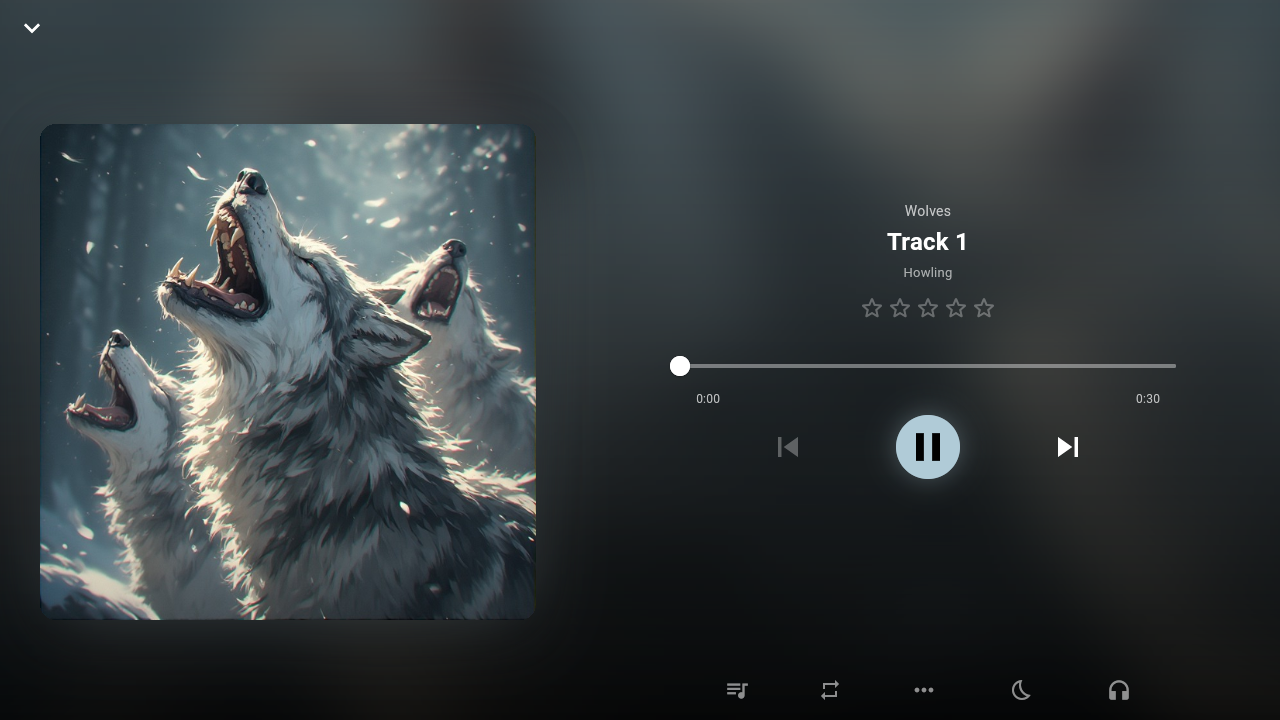
Playing a track or album opens the full music player: artwork, seek bar, and your play queue on its own tab. You can reorder what's coming up, shuffle, repeat (the whole queue or a single track), and skip. You can also rate the current track right from the player — see Ratings.
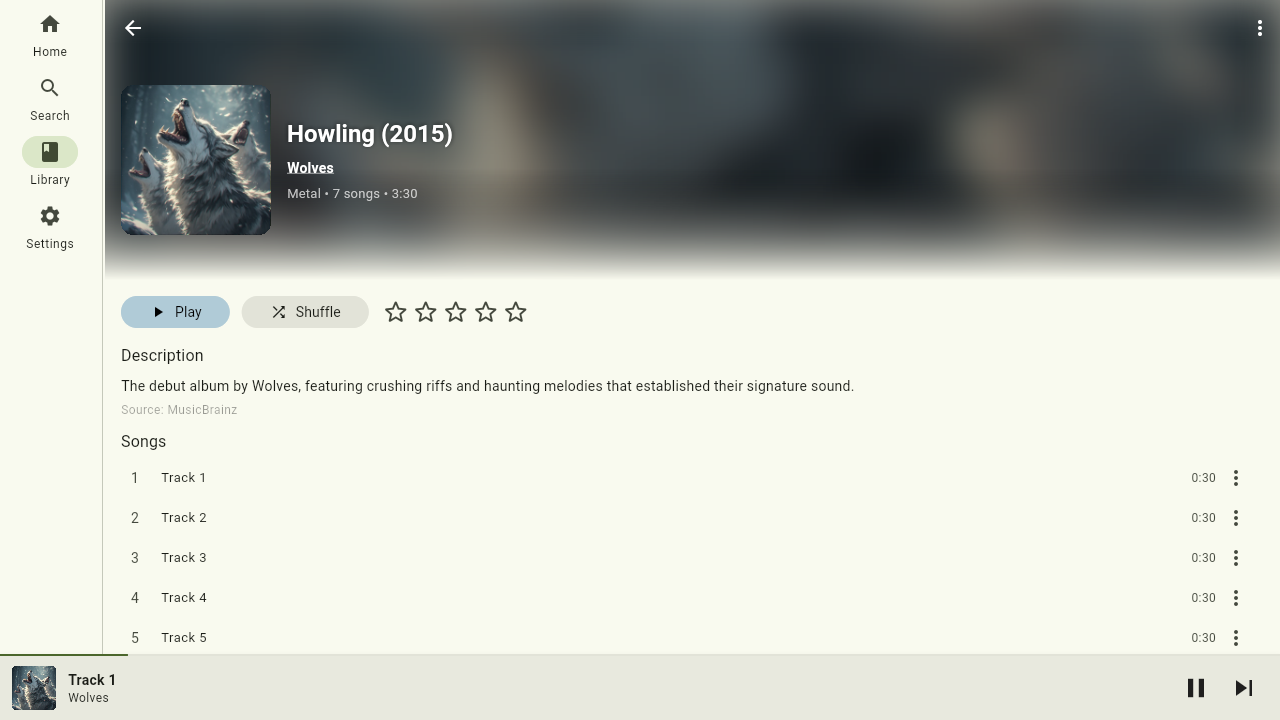
The mini player
Leave the full player and a mini player stays docked at the bottom of the screen while you browse — even on a different server than the one that's playing. Tap it to bring the full player back up.
Podcasts and audiobooks
Long-form audio resumes exactly where you left off: start a podcast episode or audiobook chapter and the app jumps back to your last position — unless you already finished it, in which case it starts fresh. Audiobook chapters play in order, and for books with a matching ebook your listening position stays in sync with your reading position.
Where to next
- Books and read-aloud: Reading
- Control another device: Party mode
- Language and quality preferences: Settings