Party mode
When several devices are playing from the same server, the app can show you all of them — and let you take the controls of any session from your own device.
Now playing on the server
The server's now playing overview lists every active playback session: who's playing what, on which device, and how far along they are. It updates live.
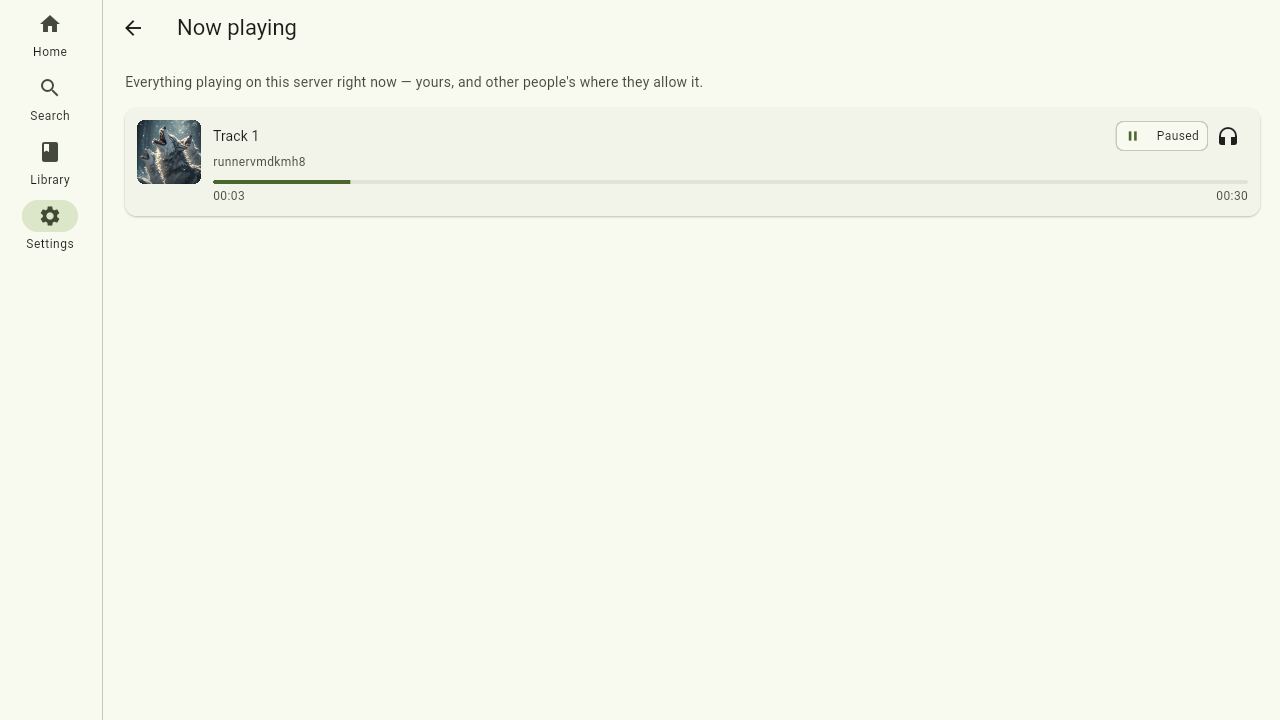
Remote-controlling another device
Pick a session from the overview and you get a full remote control for it: the same player view you know from Playback, but steering the other device. Play, pause, seek, skip through the queue — the music keeps coming out of the device it was playing on, while you drive from your phone.
This is what gives party mode its name: put a device on the speakers, and everyone at the party can queue up the next track from their own phone.
Adding to a session
You don't have to take over a session to add to it. From a movie, episode, track, album or whole show, use Add to session, pick the session you want, and choose whether it should play next or go to the end of the queue. Perfect for lining up the next few songs on the party speaker without interrupting what's playing.
Sharing and privacy
Other people only see and control your playback if you let them. By default your sessions follow your account-wide Sharing & privacy settings — who can see what you're playing, and who can take the remote — which you set once in Settings.
You can also override it for a single session: from the player, use Share this session to decide, just for this one, who's allowed to control it — your default, only you, everyone, or specific people.