Navigation
Once you're inside a server, everything is three taps away at most. This chapter shows you where things live.
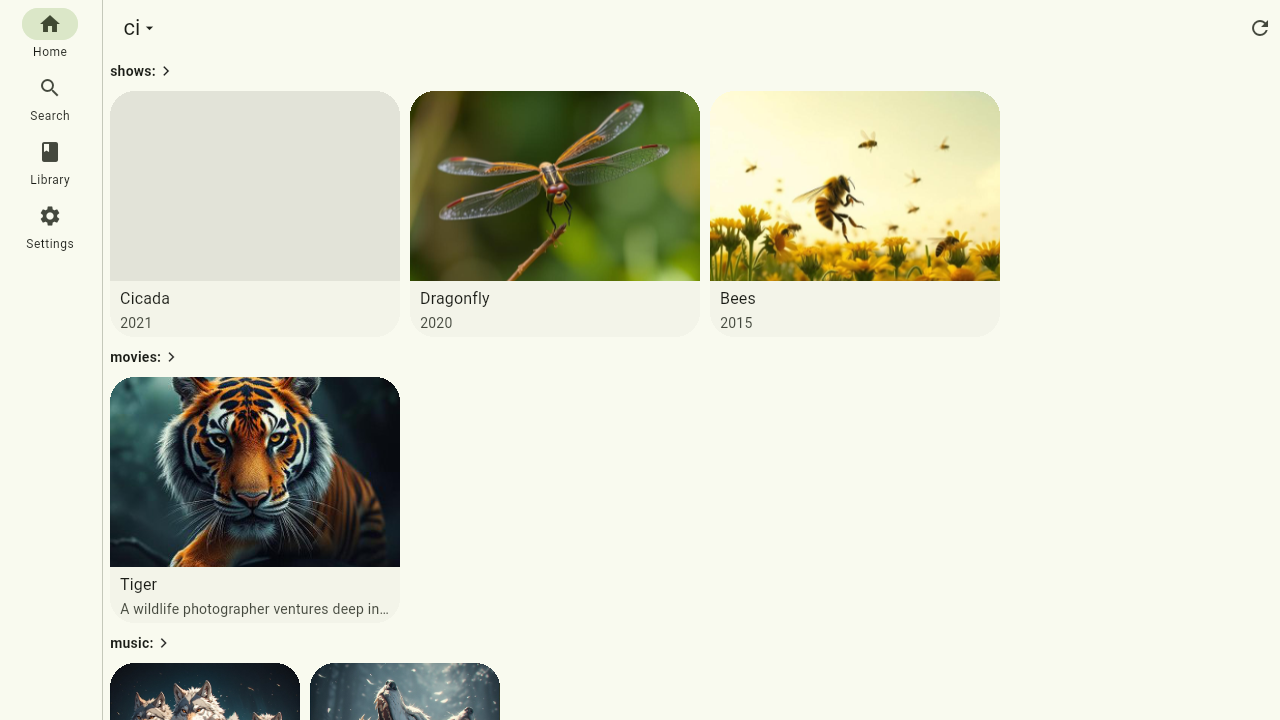
The four tabs
Every server has four main areas:
- Home — recently played items and highlights from your libraries.
- Search — find anything on the server, across every library or in just one.
- Library — everything on the server, browsable and sortable.
- Settings — your playback and sharing preferences, downloads on this device, server info and, for admins, the management screens.
On phones these sit in a bar at the bottom of the screen. On desktop, web and TV the same tabs appear as a navigation rail along the left edge — same destinations, just laid out for a bigger screen.
Switching servers
The app is built for more than one server. Tap the server's name at the top of the Home tab: a menu lists all your servers — pick one and you're in, signed in with that server's own account. The same menu has Add a server… and Back to server overview, the list of all your servers where you can also remove one.
Playback keeps going while you switch: you can browse one server while music from another keeps playing, and the mini player stays visible wherever you are.