Browsing
The Library tab is where you find everything on the server: shows, movies, music, podcasts, books and comics. This chapter walks through each kind and the search that ties them together.
Discover and Browse
The library opens in one of two views, switchable with the buttons at the top:
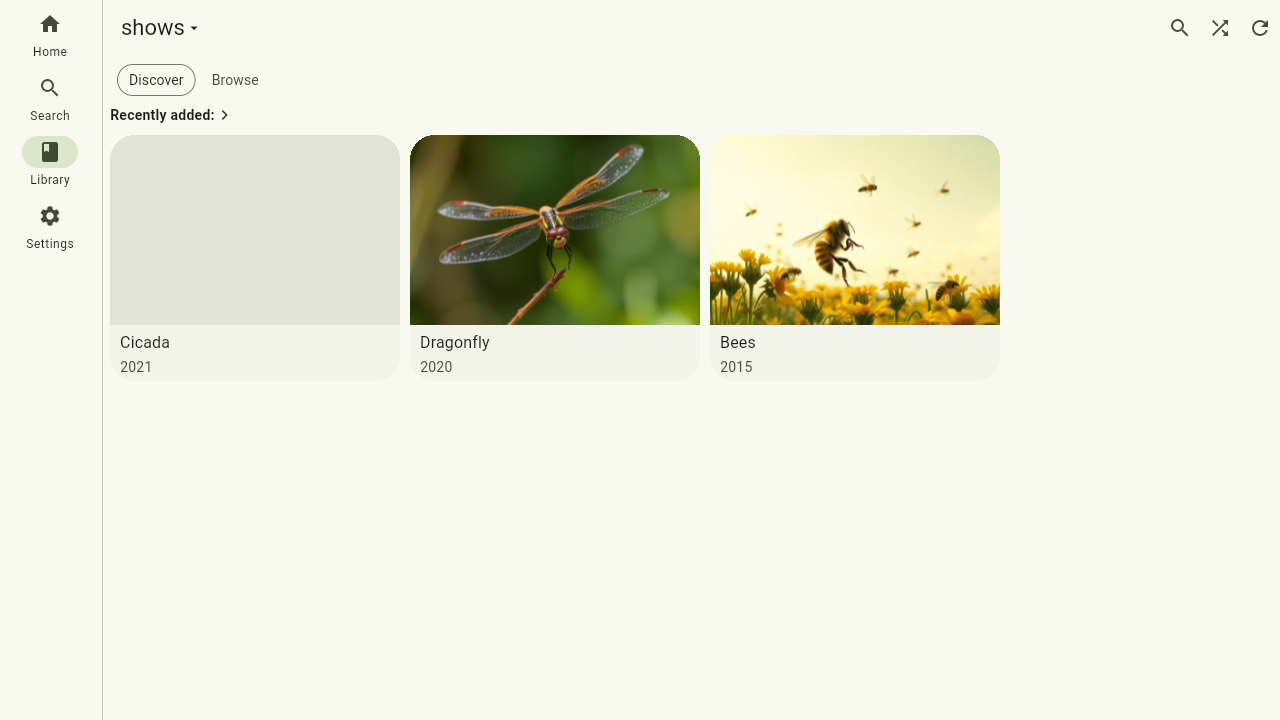
- Discover shows rows of carousels tailored to the library: what you can continue watching or listening to in this library, what was recently added, and your personal top lists — recently played, most played and highest rated (for books and comics: recently read). These lists are yours alone: they rank by your plays and your ratings, so a row stays hidden until you've played or rated something. The app remembers which view you used last, per server.
- Browse is the full grid of everything in the library, described below.
The library grid
The Browse view shows your media as a grid of covers. Use the sort button under the view switch to order by title, by what was recently added, or by release year — your choice is saved per library, so each one remembers how you like to see it. Scroll to load more; long lists fill in as you go. The search icon jumps to the Search tab with this library already picked, and Shuffle play starts the whole library in random order.
Shows and episodes
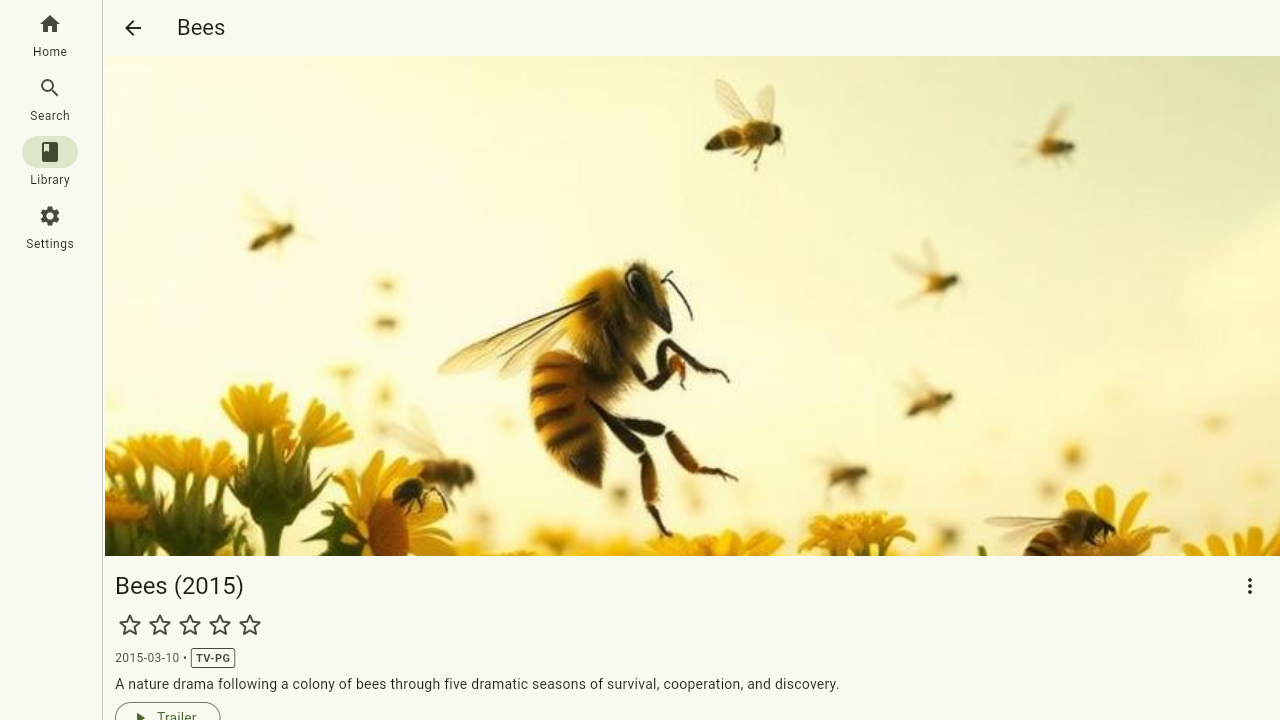
Open a show to see its seasons and episodes, with artwork, descriptions and your watch progress per episode. Partially watched episodes show a progress bar, so you can see at a glance where you left off.
Movies
Movies get a detail page with the poster, description, duration and a play button. If you stopped halfway, the movie resumes from where you were.
Music
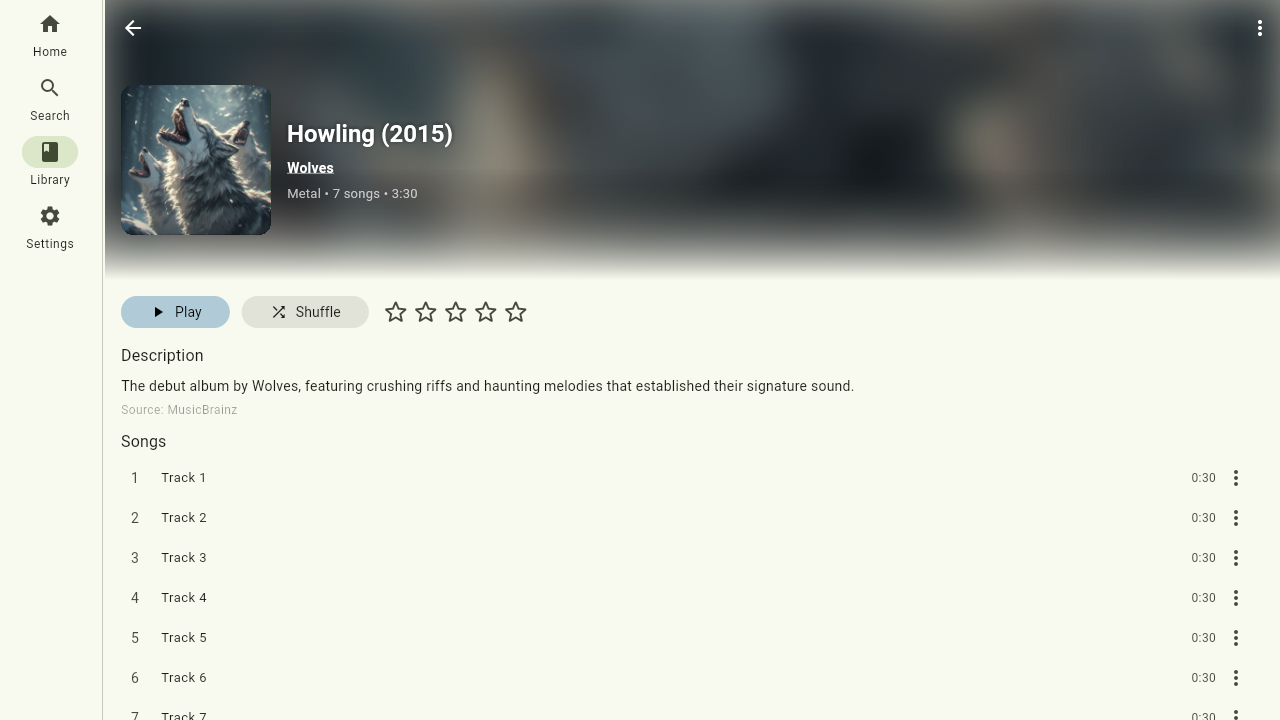
Albums list their tracks in order. Play a single track, the whole album, or add to the queue — more on queues in Playback. A track sung by more than one artist names all of them, and each one's own page lists that track too.
Podcasts
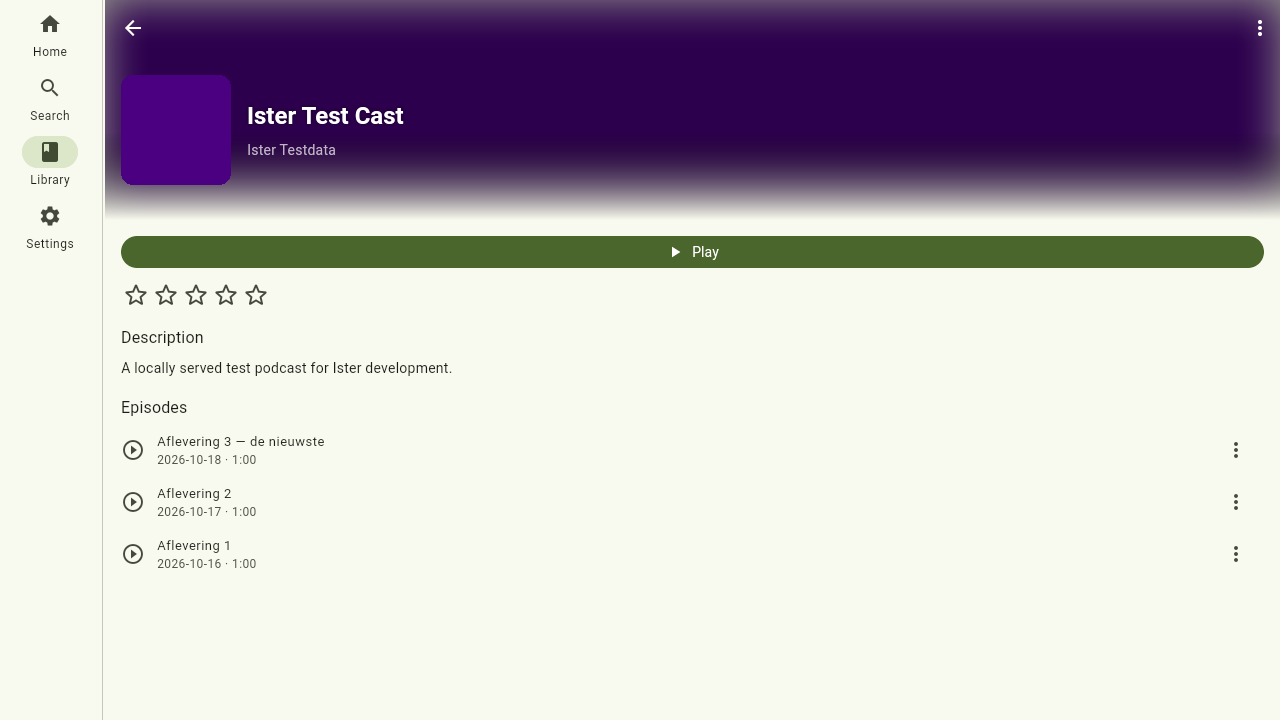
Podcasts list their episodes newest-first — you can flip the order to oldest-first, and the choice is saved. Tap an episode to download it; once it's on the server it plays like anything else, and each episode remembers how far you've listened, so a half-finished episode picks up where you stopped. (Adding and removing whole podcasts is an admin task — see Administration.)
Books and series
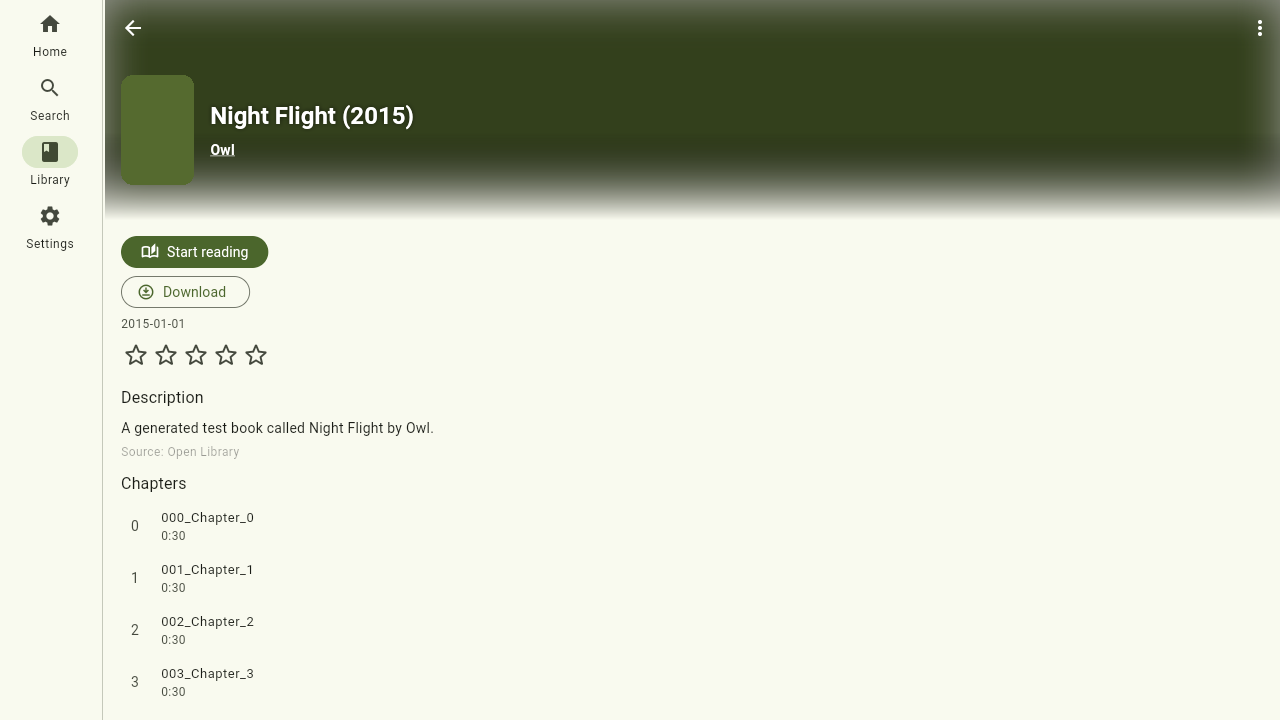
Books — audiobooks, ebooks or both — have their own detail page. If a book is part of a series you can jump to the other volumes. From here you start reading or listening; your position is shared between the two.
Persons
Tap an actor, author or narrator anywhere in the app to see their page: who they are and everything of theirs on your server.
Ratings
Almost everything you can open can be rated: movies, shows, episodes, albums, individual tracks, books and podcasts. Tap the stars on a detail page (or in the music player) to set your rating, and tap again to clear it — the change is saved to the server straight away, so your ratings follow you across devices.
Search
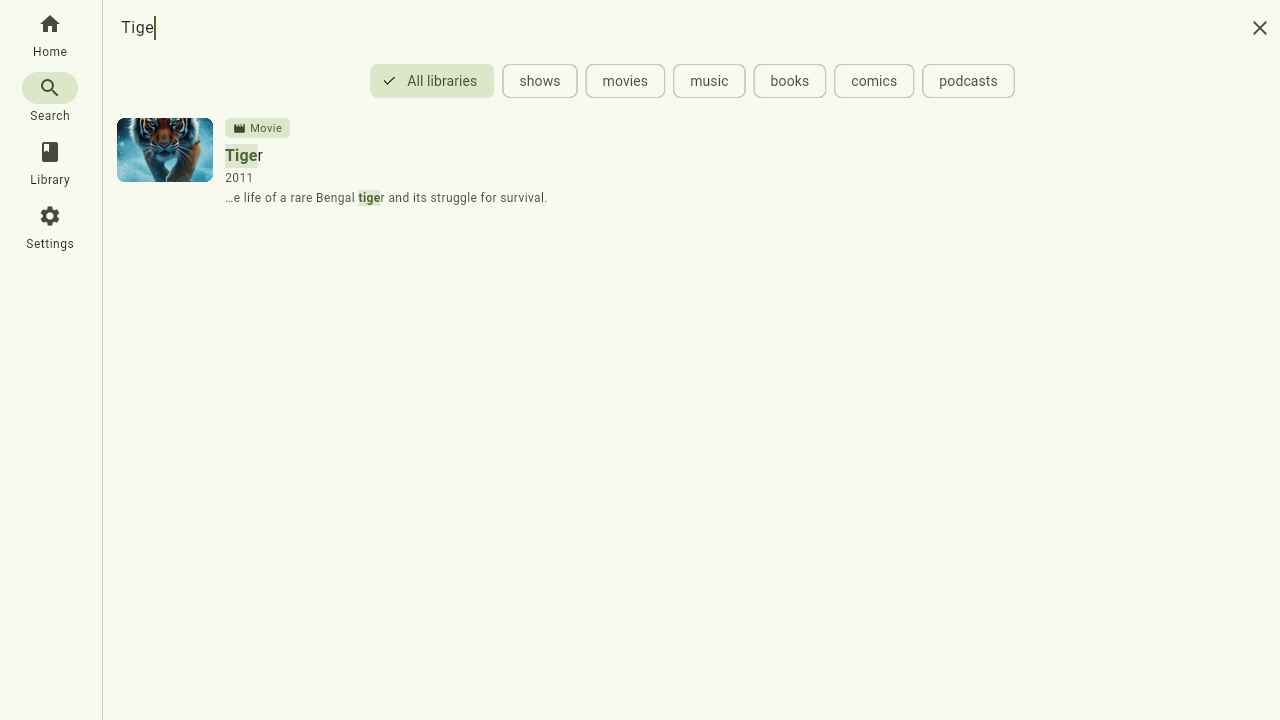
Search looks across everything at once — movies, shows, episodes, people, albums and tracks — and ranks the best matches at the top, whatever kind they are. It's usually the fastest way to get anywhere.
Search has its own tab. It starts out searching All libraries; the chips under the search field narrow it to a single library, and your search runs again there right away.